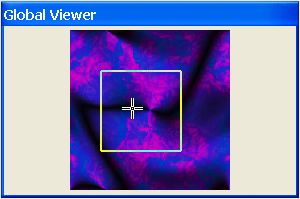
 in the bottom right corner of the active window. By dragging the
global viewer frame across the miniature image, you shift the focus
of the main window.
in the bottom right corner of the active window. By dragging the
global viewer frame across the miniature image, you shift the focus
of the main window.
in the bottom right corner of the active window. By dragging the
global viewer frame across the miniature image, you shift the focus
of the main window.
in the bottom right corner of the active window. By dragging the
global viewer frame across the miniature image, you shift the focus
of the main window.