Spherize
-
Menu -> Image -> Spherize
-
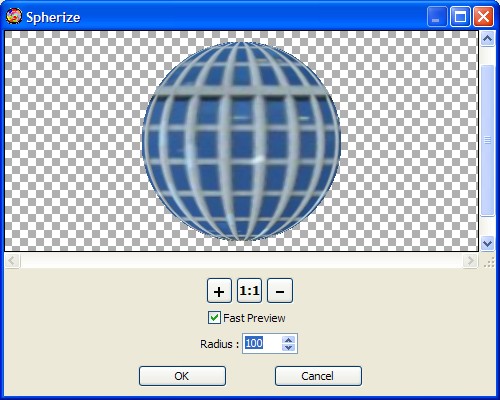
Gives objects a 3D effect by wrapping a selection around a spherical
shape, distorting the image and stretching it to fit the value of
the radius.
-
-
Radius
-
You will have to set the radius in pixels to determine the sphere
size.
-
-
Fast Preview
-
The Fast Preview check box makes the fast transformations render for
which are viewed straight away.
-
-
Zoom In, Zoom Out and Scale 1:1

-
Click Zoom In button to increase the zoom factor.
-
Click Zoom Out button to decrease the zoom factor.
-
Click "Scale 1:1" button to set the scale to 100 %.
-
-
-
How to deform an image
-

With
the Spherize tool -