Adjust
Colors
Menu -> Image -> Adjust Colors
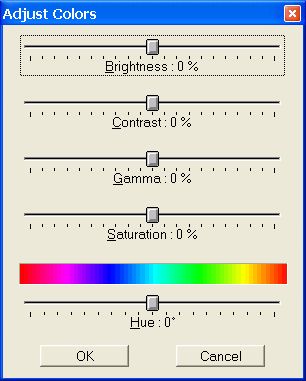
- Brightness
-
Lightens or darkens the image.
- Contrast
-
Changes the amount of shading between areas in the image.
-
Contrast and brightness usually work together because increasing the
contrast can fade out detail in shadows and highlights; however,
increasing the brightness can restore this detail.
-
-
Gamma
-
The gamma value controls the medium bright colors. Values smaller
than zero brighten the image; greater values darken the image. You
may want to adjust the contrast after you have corrected the gamma.
-
Saturation
-
Saturates or desaturates the colors of an image. If the colors are
100 % desaturated, the image will appear in grayscale.
-
Hue
-
You can rotate the colors of the spectrum (rainbow) in order to
change the hue.
-
For example, if you change the red pixels to green, the green pixels
will turn to blue and the yellow pixels to cyan.